How to Annotate Your Screen on Mac
Explaining ideas is easier when you can point, draw, and highlight as you go. ZoneShare's drawing toolbar lets you annotate directly on the screen region you're sharing.

Talking Is Not the Same as Explaining
Without a way to point at things, your audience has to guess.
In meetings, classes, and reviews, the person presenting usually knows exactly what's important. The audience doesn't. Without drawing, highlighting, or pointing, you rely on words alone — and viewers can easily lose their place.
Stop-and-ask moments, unclear references, and repeated 'here' and 'there' are symptoms of the same problem: nobody can see what you're pointing at.
- Unclear references. Viewers can't tell which part of the screen you mean without visual guidance.
- Lost context. In long walkthroughs, people forget where you are in the content.
- Frustrating reviews. Design and code reviews stall when details can't be pointed out directly.
- Disconnected tools. Screenshotting, marking up, and resharing is slow and breaks the flow.
Annotate Right on the Region You Share
ZoneShare puts a drawing toolbar inside your shared screen region.
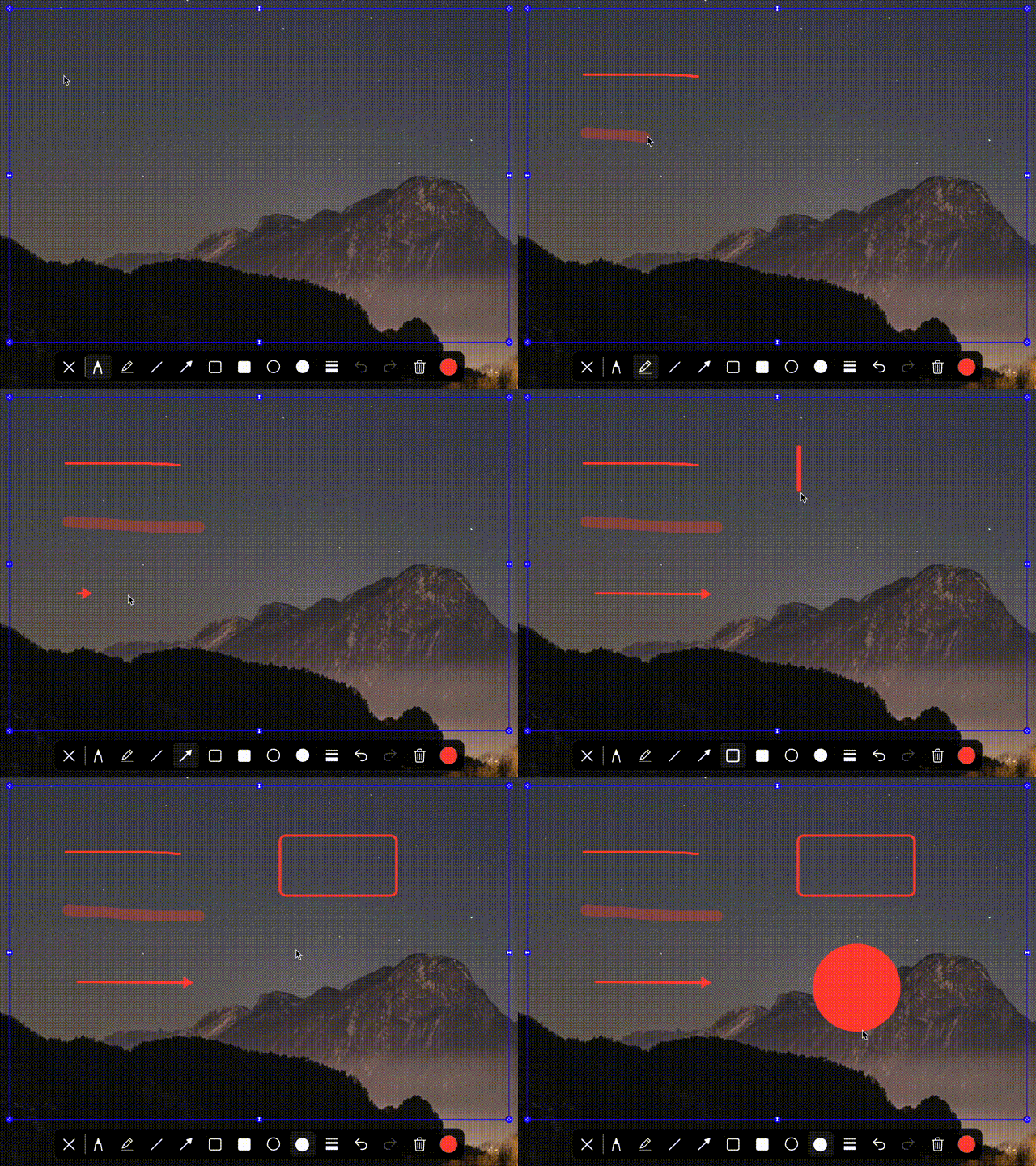
- Draw on your share. Use the built-in toolbar to draw, highlight, and annotate directly on the region you're sharing.
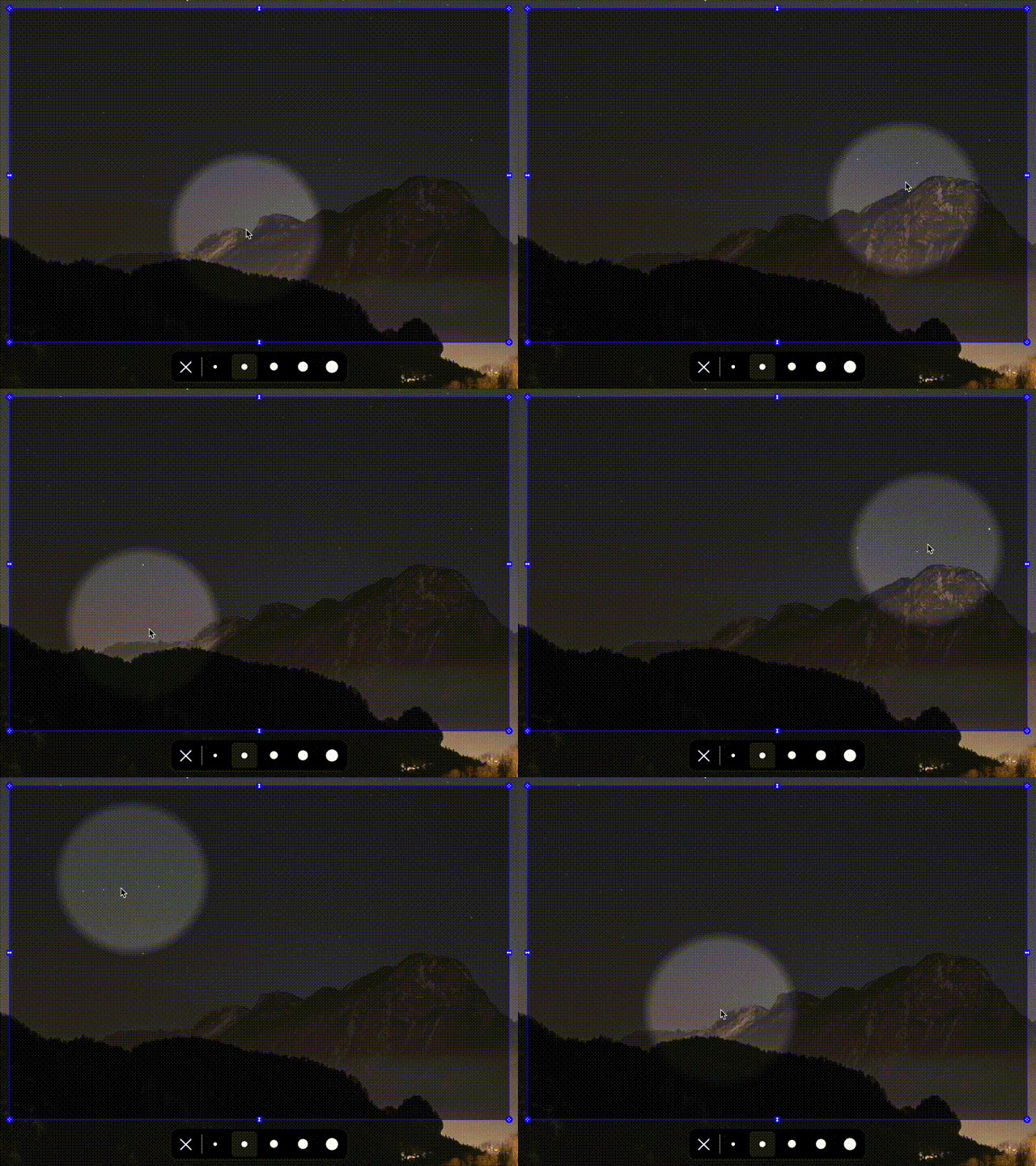
- Point with a spotlight. Focus attention on one part of the screen while dimming the rest.
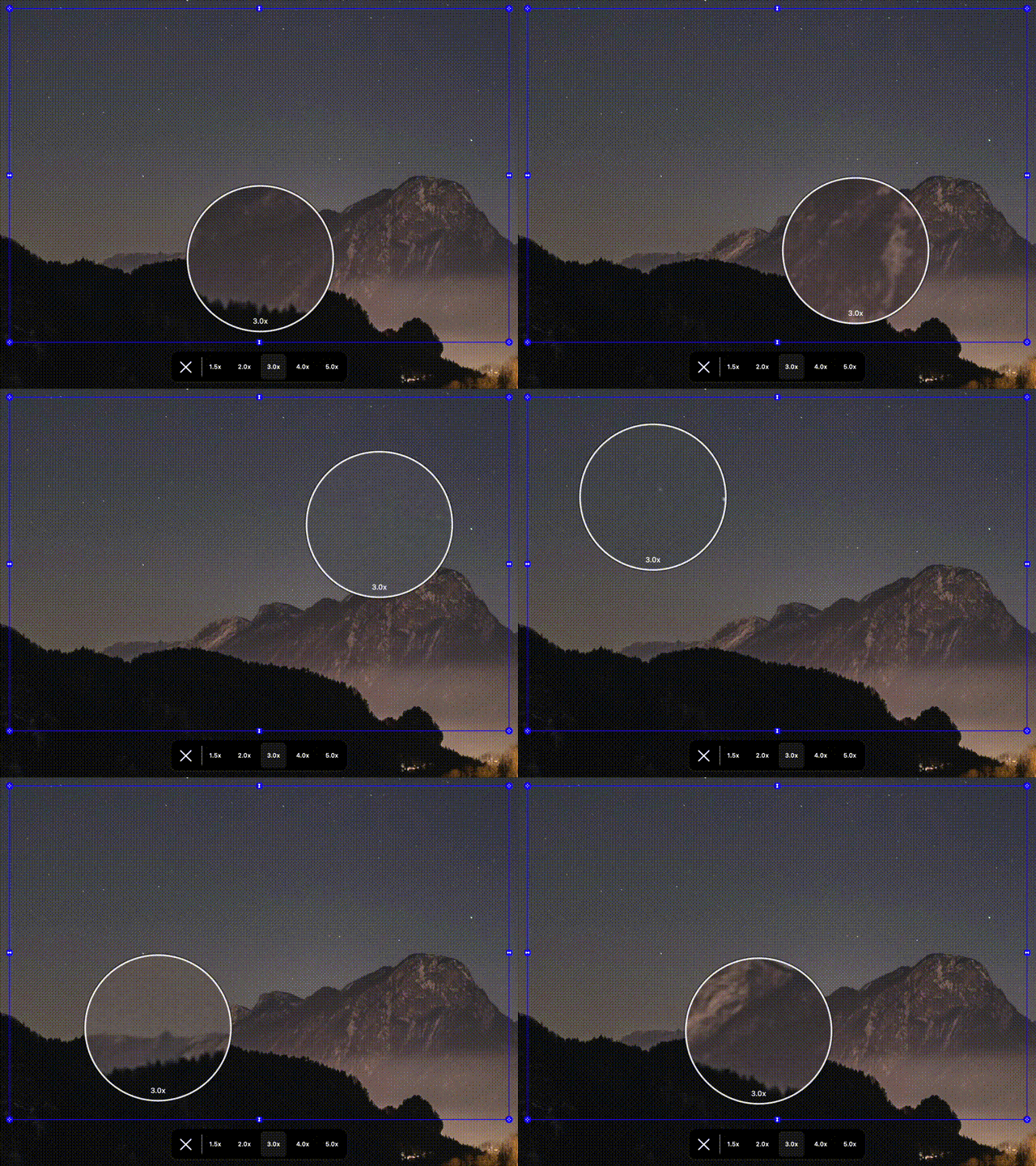
- Zoom into details. Magnify the fine points of your content so everyone can see them.
Annotation in ZoneShare is part of a broader screen-sharing workflow, not a separate tool. You frame the region you want to show, share it in your meeting app, and then draw on it live — without switching apps or taking screenshots.
It's ideal for explaining designs, walking through code, or teaching step-by-step concepts. For more on the teaching side of this, see our guide to screen sharing for teaching on Mac, or presenting on an ultrawide monitor.
Annotate Your Screen in 3 Steps
From sharing to drawing in seconds
Start Mirroring
Open ZoneShare and choose the Zone Share window or the Zone Share Camera.
Frame Your Region
Place the region over the content you want to present and annotate.
Draw & Present
Share the Zone Share window in your meeting app, then use the drawing toolbar to annotate live.
Where Live Annotation Shines
Real situations where drawing on your share makes a difference
Presentations
Circle key points, underline ideas, and draw connections as you present.
Teaching
Explain concepts step by step with visible marks students can follow.
Explaining Designs
Point to specific parts of a design and sketch out changes in real time.
Code Reviews
Highlight the exact lines and logic you're discussing in a code review.
Remote Meetings
Keep everyone aligned by drawing attention to the part of the screen that matters.
Annotation Features
The ZoneShare tools for live drawing and highlighting
Drawing Toolbar
Draw, highlight, and annotate directly on the shared region with the built-in toolbar.
Spotlight
Bring attention to one part of the screen by dimming everything around it.
Zoom Controls
Magnify specific details so viewers can see the fine points of your work.
Timer
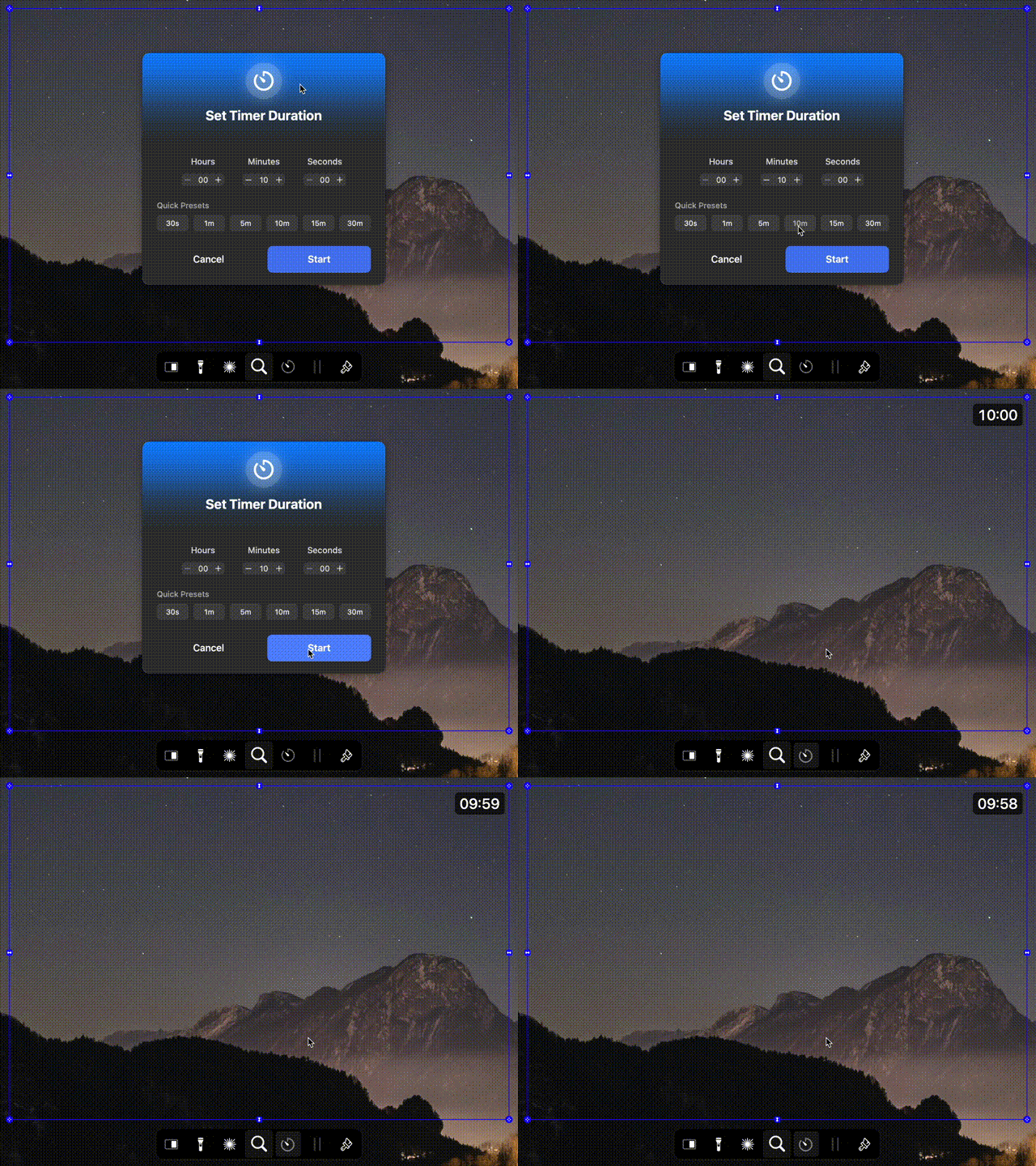
Track time while you present, right inside the shared region.
Screen Annotation Questions
Quick answers about annotating your screen on Mac
Yes. ZoneShare includes a drawing toolbar that lets you draw, highlight, and annotate directly on the shared region while you present.
Yes. Drawings and highlights appear in the shared Zone Share window or Zone Share Camera feed, so everyone on the call sees them.
Yes. Annotation happens inside the ZoneShare output, so it works in Zoom, Teams, Google Meet, Webex, and any app that can share a window or use a webcam.
Yes. In ZoneShare, annotation is one tool among many — you can also spotlight, zoom, time, blur, and switch regions within the same share.
Yes. The drawing toolbar lets you clear or undo marks at any time during your presentation.
No. ZoneShare only mirrors the selected region locally on your Mac. Nothing is recorded, stored, or uploaded.
Point, Draw, and Explain With Ease
Download ZoneShare free and bring live annotation to your next meeting or class.